


Blop_k.pngHouseDefender-CoverCompress.png

Free-Roam VR Everywhere!

Turn every location into a walkable VR play space, integrate physical objects and excite your customers with a new form of VR applications! House Defender for LBE offers fun and various benefits for you as an operator.

ABOUT THE GAME

Excited Users Ahead
About House Defender

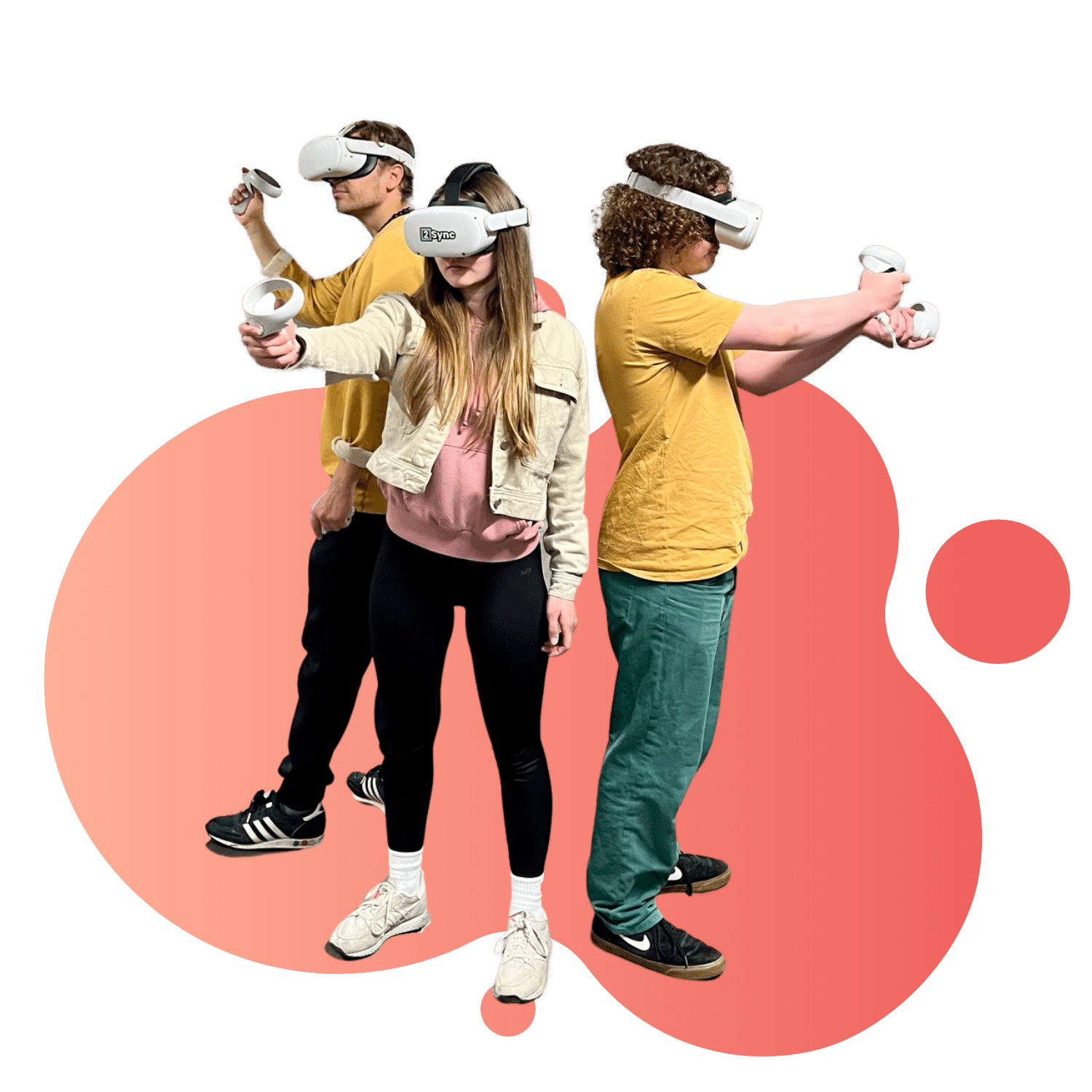
House Defender is a round-based co-op game. Players can move freely in the space and integrate all physical objects into the virtual world. The walls / ending areas of the playing field turn into fences, which are attacked by monsters. Players have to move around the space freely in a tactical way, defeating the monsters and repairing damaged fences. This quickly captivates players due to the huge imersiveness. House Defender can be played on both prepared and non-prepared areas. There is no need for expensive initial investments in your facilities and you have maximum flexibility regarding the playing area.

Demo
How it Works

Three simple steps for an immersive VR experience

Prepare the Environment

Prepare environment

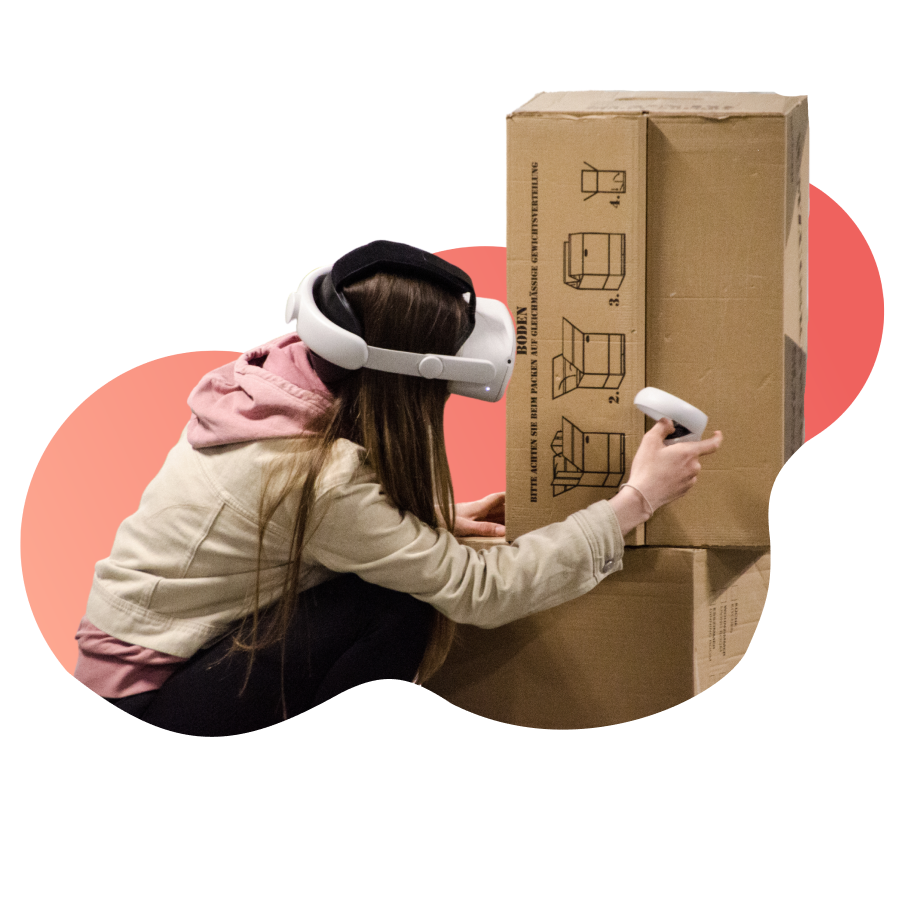
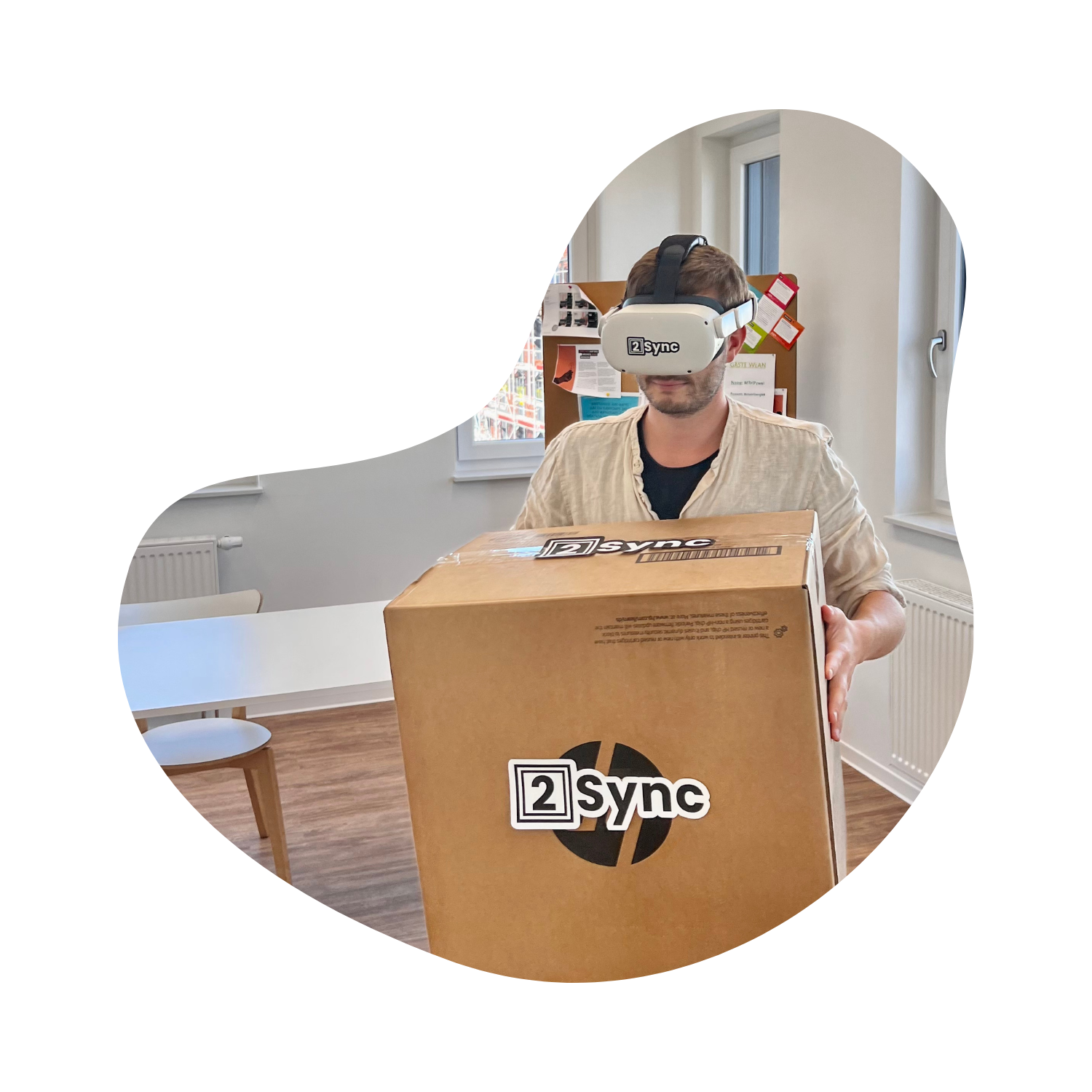
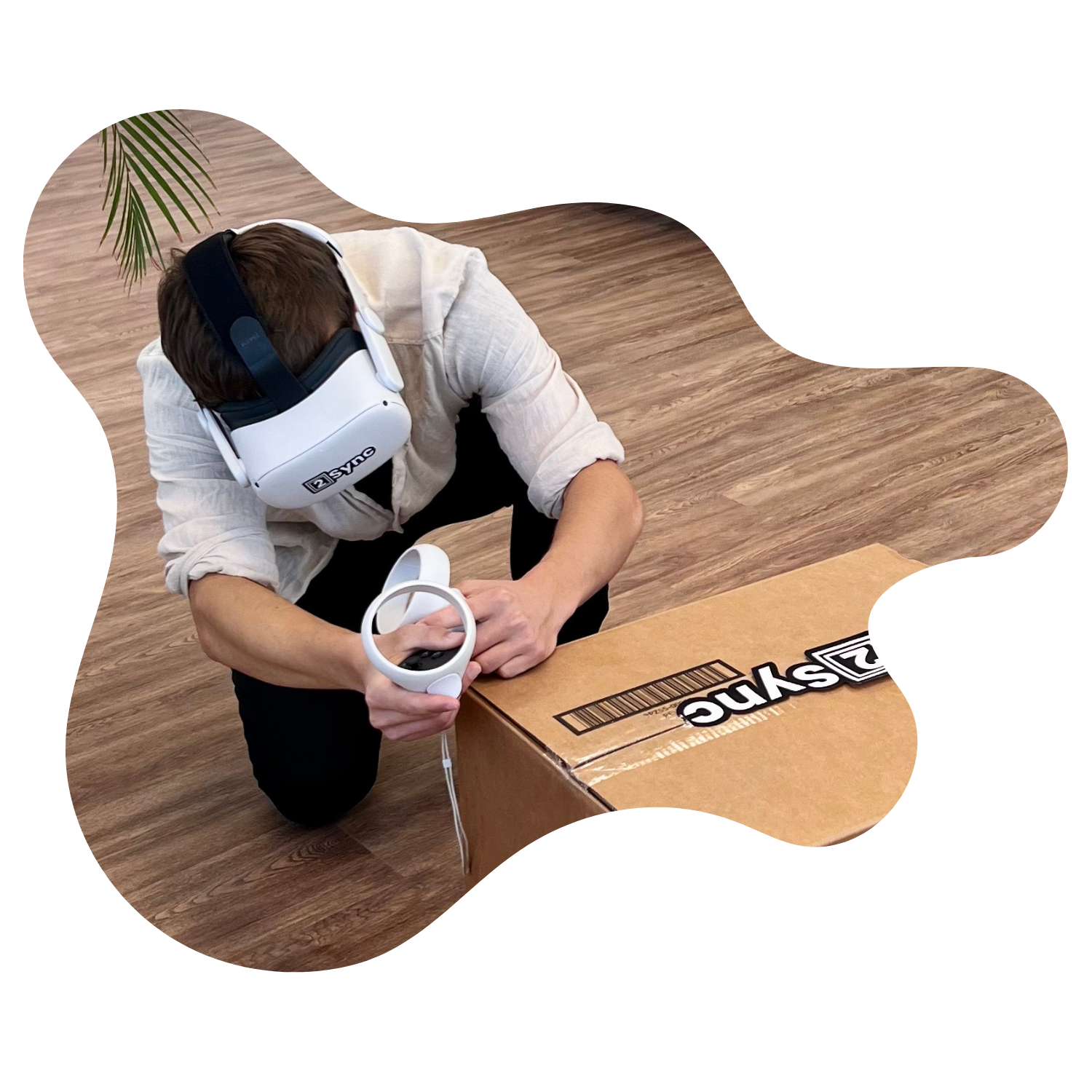
The preparation of the environment can either become part of the game experience (tactical use of e.g. cover) or be specified by you. The facility (walls, obstacles, etc.) can be included and does not have to be prepared.

2Sync Scanning Mechanism

Scan the surroundings

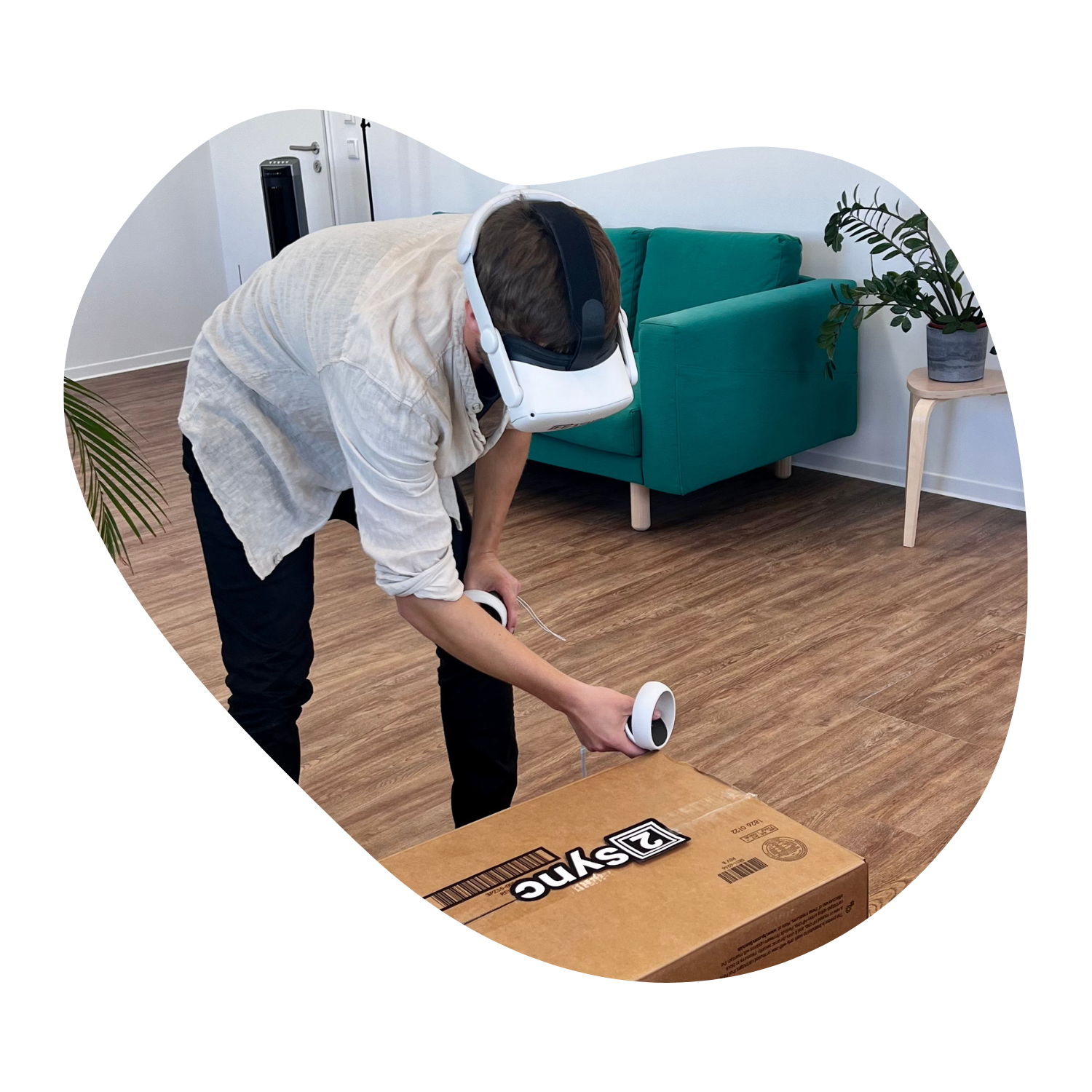
The prepared playing area can be captured in a few simple steps. This allows even offices or similar to be transformed at e.g. company events. For stationary providers, this step can be performed initially & then skipped.

2Sync lets your Users feel the environment

Ready. Set. Go!

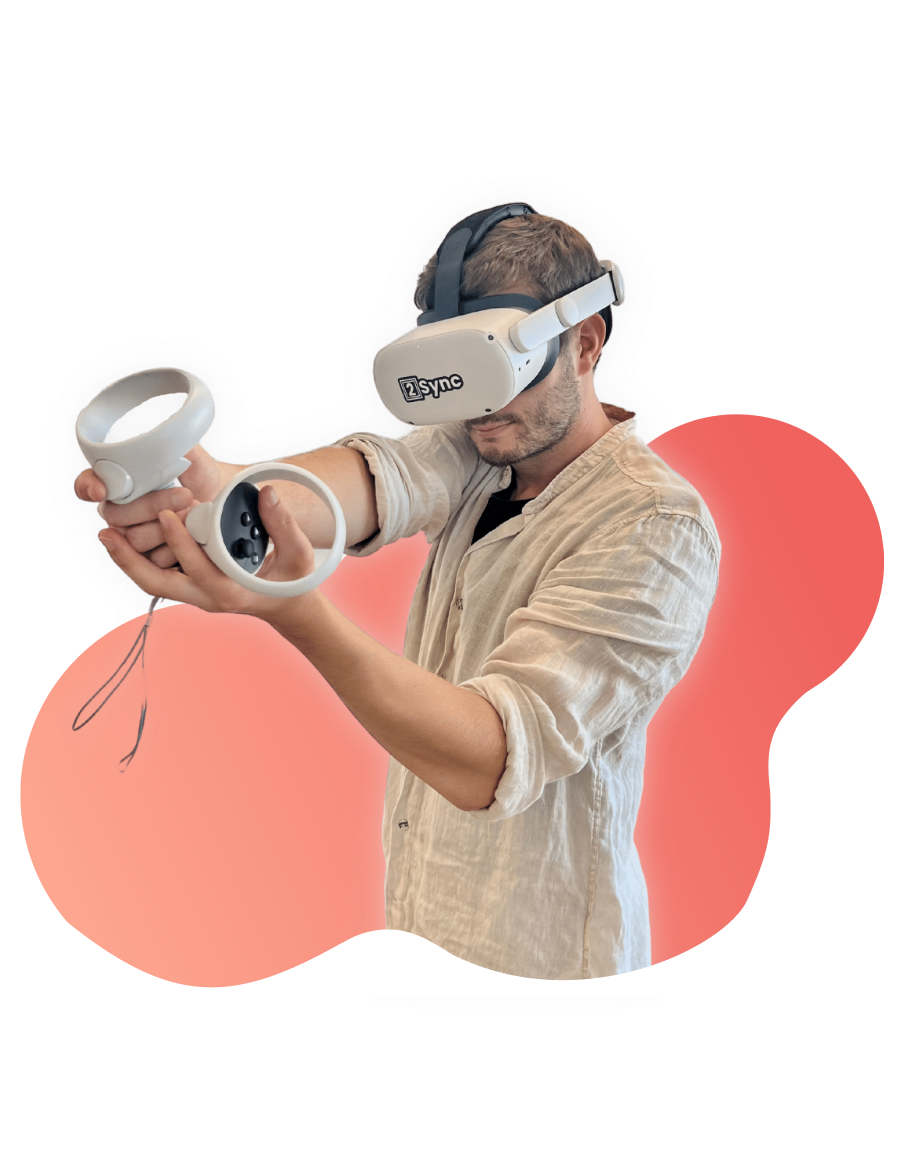
Players just have to put on their VR glasses, select their name and character, and are automatically synchronized with each other in the space. Now they can move freely and dive into the immersive VR experience.

Example operations

Our partners show House Defender in action

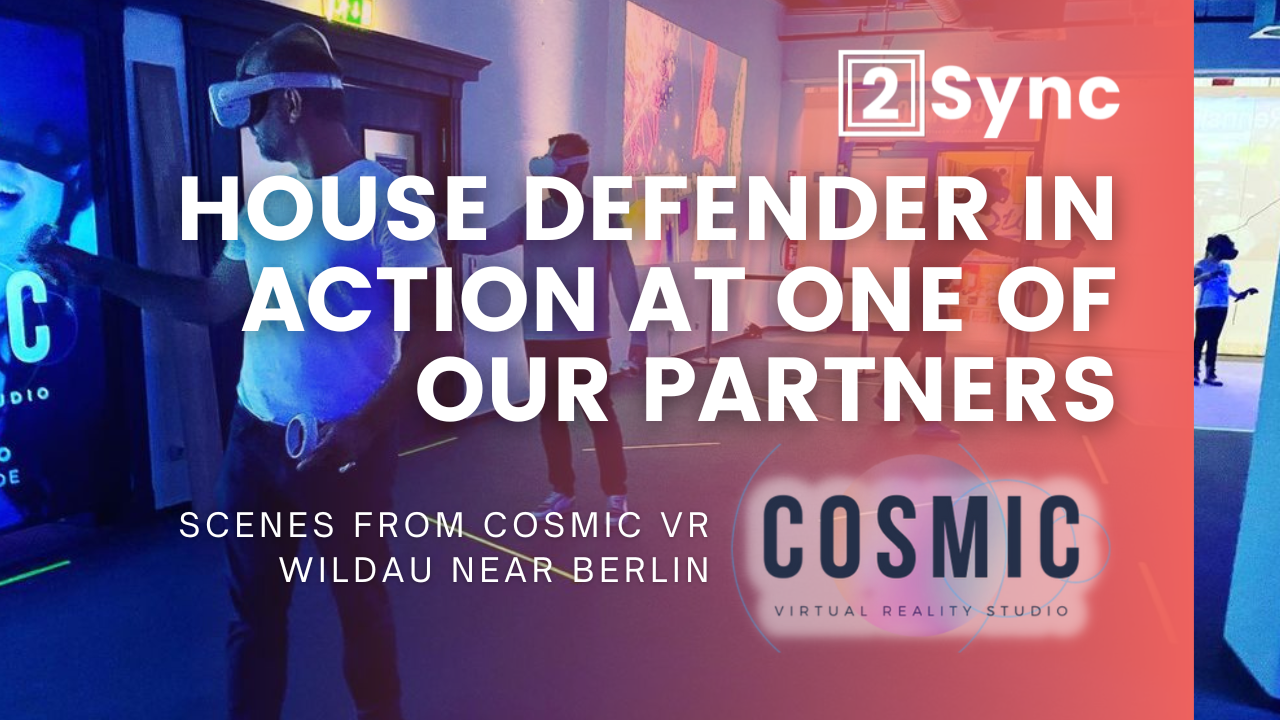
One of our partners Cosmic VR in Wildau near Berlin has been offering House Defender to its guests for several months. Using the Spectator Mode, guests can watch the game experience while up to 8 players are in the game. Thanks to the flexible room scanning, unused space can easily be utilized as a gaming area, thus making optimal use of every space. At the same time, external events can be quickly hosted thanks to the stand-alone devices and scanning, guaranteeing fun for everyone. Users are convinced and we are happy about the partnership.
ThumbnailHouseDefender.png
Testimonials

What Users Say
About House Defender

House Defender is convincing in both home and LBE use. Experience the advantages yourself and try out House Defender for yourself! We will gladly provide you with the necessary keys.
hHqiMUo1_400x400.jpg
AltLab VR

My preferred way of interacting with the virtual world is to walk around. The immersion you gain from not needing to worry about hitting the wall head first is genuinely next level. Hope we will see more games using this technology to provide even more immersive VR experiences.

38974748_541375034239191_1703573305101768178_n.jpg
Ironbug VR (Youtuber)

The game feels and looks great. You will have no problem moving around the world and blasting the baddies. No VR legs needed since you are actually moving. If you are looking for a new Quest 2 game with an unique way of playing, this is one title you do not want to pass up. Take room scaling to the next level.

unnamed.jpg
VR Link (Youtuber)

This is a great Game, but what really makes it stand out is the ease of use when capturing your Home in VR. I believe this software could change the way we play VR!

PRICING

License Models for every Situation

Regardless of whether your facilities are large or small, whether you have hardware experience or not; we want to offer the right package for every operator. In addition to the licenses, we are happy to take care of the hardware, customize the application or support the training of your employees. Please contact us and we will find a solution for you!
Monthly Package
$85-100/Month
  • Monthly billing per device. The individual price is calculated depending on the number of devices. Discounts for long-term use are possible!
Flexible Package
$0.9/Session
  • Monthly billing based on tracked minutes in game sessions. Breaks and scoring of the gaming sessions are not calculated.
Ideas & Proposals

Attack! You want to develop a different space-independent & immersive VR experience?

demo
FAQ

Frequently Asked Questions

You have questions or problems regarding the use of House Defender? Below you will find answers to the most frequently asked questions. If you have any further questions or problems, we will take care of them personally at any time!

My Quest tells me that I have left the Guardian.

Please adjust your Guardian before starting House Defender. It needs to have at least the size of your room or needs to be deactivated in the Oculus settings. You can always find current instructions for this on the Internet.

I want to play on a larger area than the Guardian allows.

The Quest only allows a Guardian up to a certain size. In this case, please completely disable the Guardian on the Quest. To turn off the Guardian system, the first thing you need is a developer account. You can create one by visiting developer.oculus.com. It will only take a few minutes, and approval is generally fast. By a short Google search, you will always find the latest instructions. Afterwards, you can define walls in House Defender that extend over several rooms or the whole house, for example!

The headset occasionally loses tracking or is inaccurate, what can I do?

The Oculus Quest can have problems recognizing the correct position in space in exceptional cases. This is due to the tracking technology of the glasses and too few existing reference points in the room. As a result, the virtual objects can deviate a few centimeters from the physical ones. Therefore, make sure that the glasses can detect objects or features in the area. If the room is empty and there are no reference points, this can be improved by marking the wall or floor (e.g. with tape or posters) and objects in the room. Also, before each round, make sure that the real and virtual worlds are aligned to avoid dangers.

Are there other possibilities to improve the accuracy / tracking on large play spaces?

In addition to sufficient reference points in the room, e.g. through several objects or alternative markings on the floor and walls and good lighting, the Oculus Guardian can also help. Before you deactivate it for a larger play space, you can span it around some objects in the center of the play space. Afterwards you can deactivate it as usual to define a larger area in House Defender. The deactivated Guardian will still be able to serve as a reference and improve the tracking quality.

The monsters are not attacking the walls.

The monsters will only attack walls that don’t have objects in front of them so that you can easily repair them. If you don’t have a free wall in your room, please scan the room when starting House Defender in such a way that you draw the virtual wall in front of the objects. For example, if a large wardrobe covers the whole wall, you can simply drag the virtual wall in House Defender in front of this wardrobe. This way you can easily get to your virtual walls and the monsters will run toward you again!

My objects are slightly shifted.

Please start the Edit Room > Recalibration Mode inside the wallmenu of the game to recalibrate your objects using the corners of your room. Make sure you have scanned the same corners in the same way (controller position). Alternatively, have all room corners scanned by the same person.

My colocated player isn’t aligned properly.

Please make sure that you have all scanned the same corners of your play space in the same way. If the room is not aligned correctly, press the Realign button in the Start menu before the game session. More details on how to scan the walls correctly can be found here.

Can I also scan objects hanging from the ceiling?

Yes, you can do that. However, House Defender will always display the object as if it were reaching the floor for your own safety.

The height of my objects is not correct.

As a height reference, we are using the height given from the Oculus Quest. To reset the height please go to your Guardian’s settings inside the Quest and adjust the height accordingly. After that, you may need to scan your objects correctly with the new height.

I can' t join a server.

Please make sure that all Headsets have the latest version installed and that all of you choosed the same region. Also, if it is a co-located session, the corners of the room have to match. Make sure you have scanned the same corners in the same way (controller position). Alternatively, have all room corners scanned by the same person.

Can I also scan multiple floors / stairs?

Unfortunately, this is currently not possible for security reasons. The risk of injury on stairs is high even without VR glasses, which is why we don’t want to expose you to any additional risk.
Try House Defender at Home

Experience House Defender in the Oculus App Lab now!

Try the end-user version of House Defender now! For commercial use, we offer a customized menu for easy customer use, centralized game management, spectator mode, a higher number of players and much more. Test it now at home and inspire your customers afterwards!

Amaze your customers with House Defender

Get in touch with us and offer unique VR experiences for your customers: Whether location based or at flexible locations. We are happy to answer any questions and will get back to you as soon as possible!